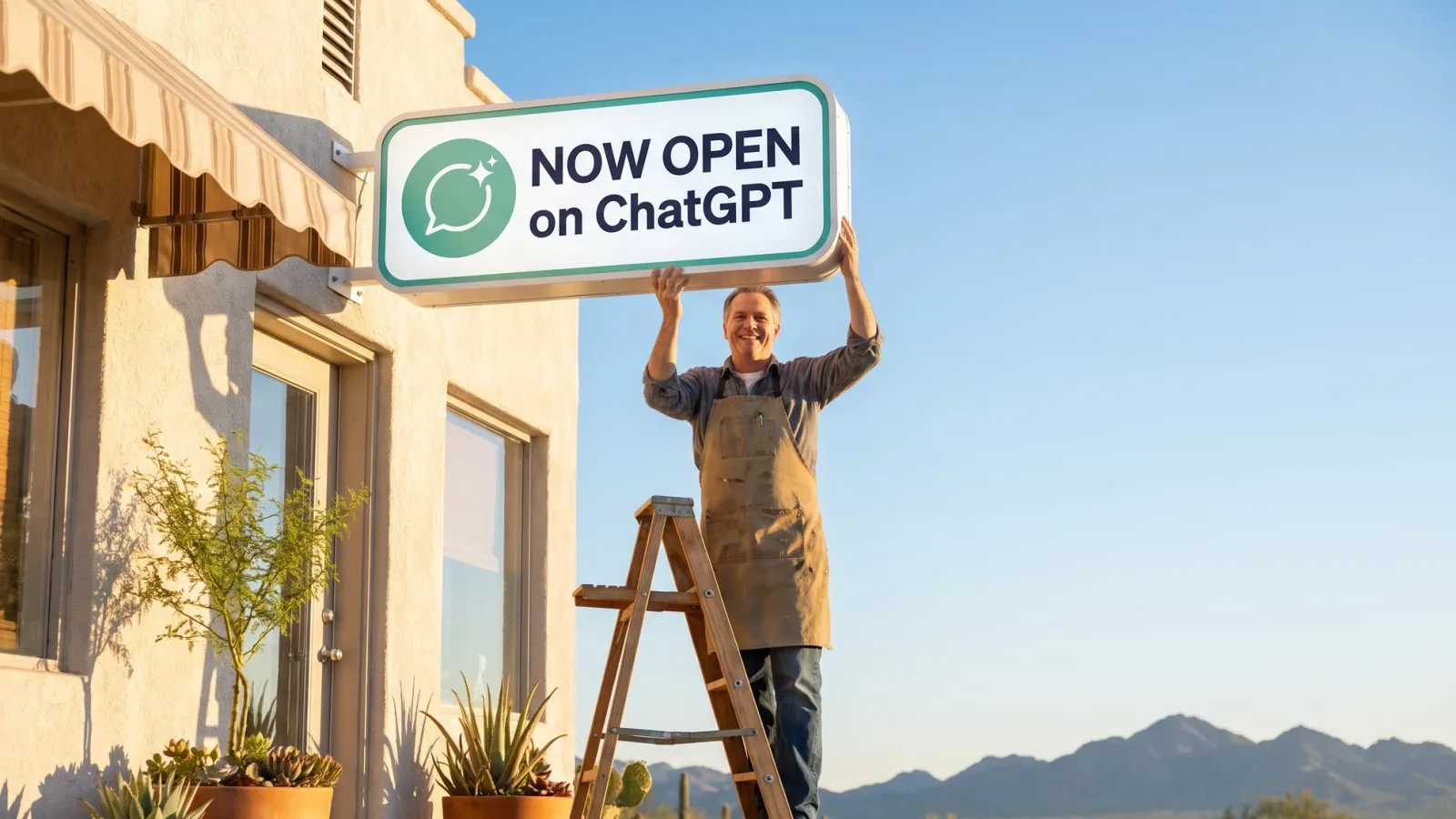
On November 10, 2026, OpenAI opened something every local business owner should pay attention to. ChatGPT now has business profiles, and you can claim yours.
Since then, owners around Queen Creek and the East Valley keep asking me some version of “Do I need to do this?” Short answer, yes. Below is what it does today, what it doesn’t do yet, how it stacks up against Google’s own AI tools, and why I think it becomes one of the most important listings your business has.
Should you claim your business on ChatGPT?
Yes. Claiming is free, it takes about 20 minutes of hands-on work, and it puts you in charge of the facts ChatGPT shows about your business instead of leaving them to whatever it pieced together from the internet. It won’t move you to the top of ChatGPT’s answers on its own, but it’s the foundation for everything this feature is about to become.
Think of it like Google’s business listings a decade ago. The owners who claimed theirs early, filled it out completely, and kept it current are the ones sitting in the map pack today. The ones who waited spent years cleaning up wrong hours and a pin dropped in the wrong parking lot.
What a ChatGPT business profile actually is
OpenAI calls the feature Businesses in ChatGPT, and it launched in beta. You manage it from a new area called Business Hub, which lives in the ChatGPT sidebar.
Here’s the part most owners miss. If ChatGPT already knows about your business, you already have a listing. It exists whether you claim it or not. Claiming is how you take the keys. Once you’re verified, you can edit:
- Your business name, category, and logo
- A short description (the demo editor caps it at 300 characters)
- Hours, phone number, website, and location
- Photos, including a cover photo
- Delivery and return policies, if they apply to you
OpenAI reviews changes before they go live, the same way Google holds edits for review.
You also get a basic Insights panel. According to VentureBeat’s launch coverage, it shows 28 days of activity: how often ChatGPT mentions you, how many people clicked through to your website, and the topics that led people to you. OpenAI does not share anyone’s actual conversations with you, so you see themes, not transcripts.
Why I think this is the next frontier for local marketing
Scale is the first reason. OpenAI says ChatGPT reaches 1.2 billion people a week. Plenty of them are asking it the exact questions they used to type into Google: who’s a good dentist near me, which landscaper does pavers in Queen Creek, is that taco shop in Gilbert open on Sunday.
Before November 10, you had zero say in how ChatGPT answered those questions about you. It assembled you from your website, old directory listings, reviews, and whatever else it found. If your hours were wrong on some forgotten directory from 2019, that’s what it might repeat. I wrote about how that assembly works in Will AI Recommend Your Queen Creek Business?, and a verified profile is the first time owners get a direct line into it.
The second reason is leads. The Insights panel counts clicks from ChatGPT to your website, which means you can finally see AI sending you customers instead of guessing. And the third reason is what OpenAI built on top of the profile.
The part that gets me excited: an AI agent on your profile
Alongside the profile, OpenAI launched Business Agents. An agent is a branded AI assistant that lives on your ChatGPT profile. A customer finds you in ChatGPT, taps into your agent, and it answers their questions using the information and instructions you gave it. ChatGPT labels those chats so the customer knows they’re talking to your business’s agent, not the general assistant.
What it does today: answers questions about your products, services, and policies, and sends people to your website. You write its business context (the facts) and its instructions (how it should answer), then test it in a preview before you publish.
Who can use it today: only eligible US ecommerce and online service businesses with a website. Local stores and restaurants can claim their profile, but they can’t publish an agent yet.
What it can’t do yet: according to The Rundown’s setup guide, agents can’t book appointments, complete purchases, or look up orders.
Here’s my opinion, and I want to be clear it’s my opinion: I don’t think it stays that limited for long.
Picture this a year or two out. Someone asks ChatGPT for a good med spa in the East Valley. Your profile comes up, verified, with your real hours and real photos. They ask your agent whether you do lip filler on Saturdays. It answers correctly because you told it the answer. Then it books them for 10:30, sends a reminder the day before, and after the appointment it asks how it went and nudges happy customers toward a review.
None of that is science fiction. We already build every piece of it for clients on websites and text messages (see our AI chatbots page). The only new thing is the front door: your next customer might meet your business inside a chat window and never visit your website at all.
How different businesses can use a ChatGPT profile
Here’s how I’d set it up for the kinds of businesses we work with every week in the East Valley.
Restaurants and coffee shops. Hours are the whole game. People ask “is it open right now?” constantly, and a wrong answer sends them somewhere else. Keep holiday hours current, add photos of your actual food and space, and use the description to say what you’re known for, like “breakfast burritos and cold brew, two minutes off Ellsworth.”
Home services (plumbers, HVAC, pool, landscaping, roofing). Your service area is your edge. Name the towns you actually cover in your description (Queen Creek, San Tan Valley, Gilbert, Mesa) and the jobs you want more of. “Water heater replacement and repiping” beats “full-service plumbing” because it matches the words people type.
Med spas, salons, and barbershops. Lead with your specialty and make sure the website on your profile goes straight to booking. Until agents can book, that click is the conversion, and the Insights panel will show you how many you’re getting.
Real estate agents and other professionals. Put your market and specialty in plain words: the neighborhoods, the price range, first-time buyers or luxury, whatever is true. ChatGPT gets asked “who’s a good agent for…” all day, and a vague bio gives it nothing to match.
Online stores, coaches, and consultants. You’re the group that can use the agent today. Write its instructions the way you’d train a new front-desk hire: your top questions, your policies, what it should never promise. Then test it with the questions customers actually email you before you publish.
How does ChatGPT compare to Google Business Profile and Gemini?
Google has been building its own AI into business listings this year, and this is where it gets interesting for local owners. The AI front desk that answers customer questions for a local shop is actually showing up on Google first.
In late October, Google started rolling out an AI-powered messaging pilot for Business Profiles. Customers message your business from Search or Maps, and an AI agent answers routine questions for free. When it can’t answer, it hands the conversation to you, and you can take over any chat at any time. It’s early access, and the AI part only works for customers whose phones and carriers support RCS messaging; everyone else’s texts go straight to your phone.
On the owner side, Google connected Business Profiles to the Gemini app in June. You can ask Gemini how your listing performed this month, and it can draft review replies that reference what the customer actually said. (Read those before posting. A reply drafted by AI still speaks for your business.)
Here’s how they line up right now:
| ChatGPT business profile | Google Business Profile | |
|---|---|---|
| Cost to claim | Free | Free |
| Where customers see you | ChatGPT answers | Google Search, Maps, and AI results |
| AI that answers customers | Business Agent, US online businesses only | AI messaging pilot, rolling out to local businesses |
| Owner insights | 28 days of mentions, clicks, and topics | Calls, direction requests, searches, plus Gemini analysis |
| Reviews | No review tools announced | Built in |
| Maturity | Beta since November 10, 2026 | Years of data and history |
So which one matters more? Today, Google, by a lot. It’s where most local customers still find you, so if your Google Business Profile isn’t in shape, start there (here’s how we approach it). But this isn’t either-or. Both are free, both take an afternoon, and the business that claims both is covered no matter where the customer starts.
Can you control what ChatGPT says about your business?
Partly, and it’s more control than you had before November 10.
You control your profile. Your hours, contact info, description, photos, and policies come straight from you once you’re verified.
You don’t control ChatGPT’s general answers. When someone asks “who’s the best roofer in Gilbert,” ChatGPT still decides who to name based on everything it knows across the web. Claiming your profile does not buy you a better spot in that answer, and OpenAI doesn’t promise one.
What claiming does is give ChatGPT a verified, owner-approved source of truth about you. AI tools cross-check facts, and a business with three different phone numbers floating around looks like a question mark. Pair your profile with clean facts on your website (an llms.txt file helps here) and on your Google profile, and you’re telling one consistent story.
How to claim your business on ChatGPT
Here’s the process as it works right now. Expect small changes while it’s in beta.
- Sign in with the right account. Use the ChatGPT account you want to own the business long term. Any plan works, including free. You don’t need an ads account or a paid upgrade.
- Open Business Hub and find your listing. Go to chatgpt.com/business-hub, search for your business, check that the street address matches, and select Get started.
- Verify the business. You’ll see some mix of business phone, business email, a website domain check (a TXT record in your DNS), or connecting a Shopify store. If the domain option shows up, it’s usually the cleanest.
- Verify your identity. OpenAI uses a service called Persona, which may ask for a government ID, business registration details, and proof you can represent the business. The blue verified check appears only after Persona approves you.
- Fill out every field. Use the same name, phone, and address that’s on your website and Google profile, character for character. Write your description the way you’d explain your business to a new neighbor.
- Set up an agent if you qualify. Write your business context and instructions, test it with real customer questions in the preview, fix anything it gets wrong, then publish.
Two warnings before you start. First, per OpenAI’s help center, only unpublished drafts can be deleted. Support can’t delete, unpublish, or hide a published profile, so get your facts right before you submit. Second, each brand and location is claimed separately. Two locations means two claims.
What if you hit a waitlist?
Some owners who claimed a physical storefront at launch landed on a waitlist, and right now local stores and restaurants can only claim a listing ChatGPT already has. If that’s you, do the parts you control today:
- Make your name, address, phone, and hours match exactly across your website, Google Business Profile, Yelp, Facebook, and Apple Maps.
- Clean up old listings with wrong info. AI tools read those too.
- Keep reviews coming in steadily. Recent, detailed reviews are one of the strongest trust signals for both Google and AI tools, and it’s exactly what our review management service handles.
Then check Business Hub again in a few weeks. When your spot opens up, you’ll be claiming a profile on top of a clean foundation.
My take
Every few years a new place shows up where customers look for businesses. Yellow Pages, then Google, then Google Maps, then Facebook and Instagram. Each time, the early movers got a long head start, and the people who waited paid to catch up.
I think ChatGPT business profiles are the next one. Today it’s a verified listing with a smart front desk for online businesses. I fully expect that front desk to start booking appointments, following up with customers, and asking for reviews, on ChatGPT and on Google. When it does, I want our clients already set up and ready.
If you’d rather not deal with DNS records and Persona checks on your own, or you want to know whether your facts are consistent enough for AI to trust you, start with our free audit. We’ll show you how your business looks to Google and AI right now, and what to fix first.
Want this handled for you?
Start with the free website and AI-readiness audit. Two business days, plain English, no strings.
Get the free audit →